The sequence matters: use remote finding tools before changing credentials, secure the phone number quickly and treat erasure as a final step.
Key Takeaways
- Use Find My, Find Hub or SmartThings Find to locate and lock the phone before changing credentials when possible.
- Never confront a suspected thief at an approximate map location; contact local authorities instead.
- Ask the carrier to secure the SIM or phone number, especially if there are signs of account takeover.
- Change the main platform account password, then other exposed passwords, and monitor financial accounts.
- Erase only as a last resort, and do not remove an erased iPhone from Find My or the Apple Account.
If your phone is missing, do not begin by deleting it or changing every password. First use the device maker’s remote-finding service to locate the phone and, where supported, lock it. That preserves recovery options while restricting access. Then protect the phone number and important accounts, report a theft without confronting anyone, and consider remote erasure only when recovery is no longer realistic.
The correct order after a phone is lost or stolen
1. Open the official finding service from a safe device
Use Apple Find My for an iPhone or Google Find Hub for an Android phone. Compatible Galaxy devices may also have locating and ringing functions through SmartThings Find. If you are using someone else’s computer or phone, Google recommends private browsing and closing it when finished.
Do this before signing the missing phone out of accounts or changing credentials when possible. Those actions can interfere with access or recovery workflows. Apple says Find My must have been enabled before the loss. Its Find Devices service at iCloud.com/find can be entered without a verification code, which is useful when the missing iPhone was also the trusted device.
Google Find Hub depends on prior setup and several conditions, including power, connectivity, a signed-in Google Account, enabled finding features and visibility in Google Play. Samsung options also vary by device, software, carrier, region and advance configuration.
2. Locate and lock the phone immediately
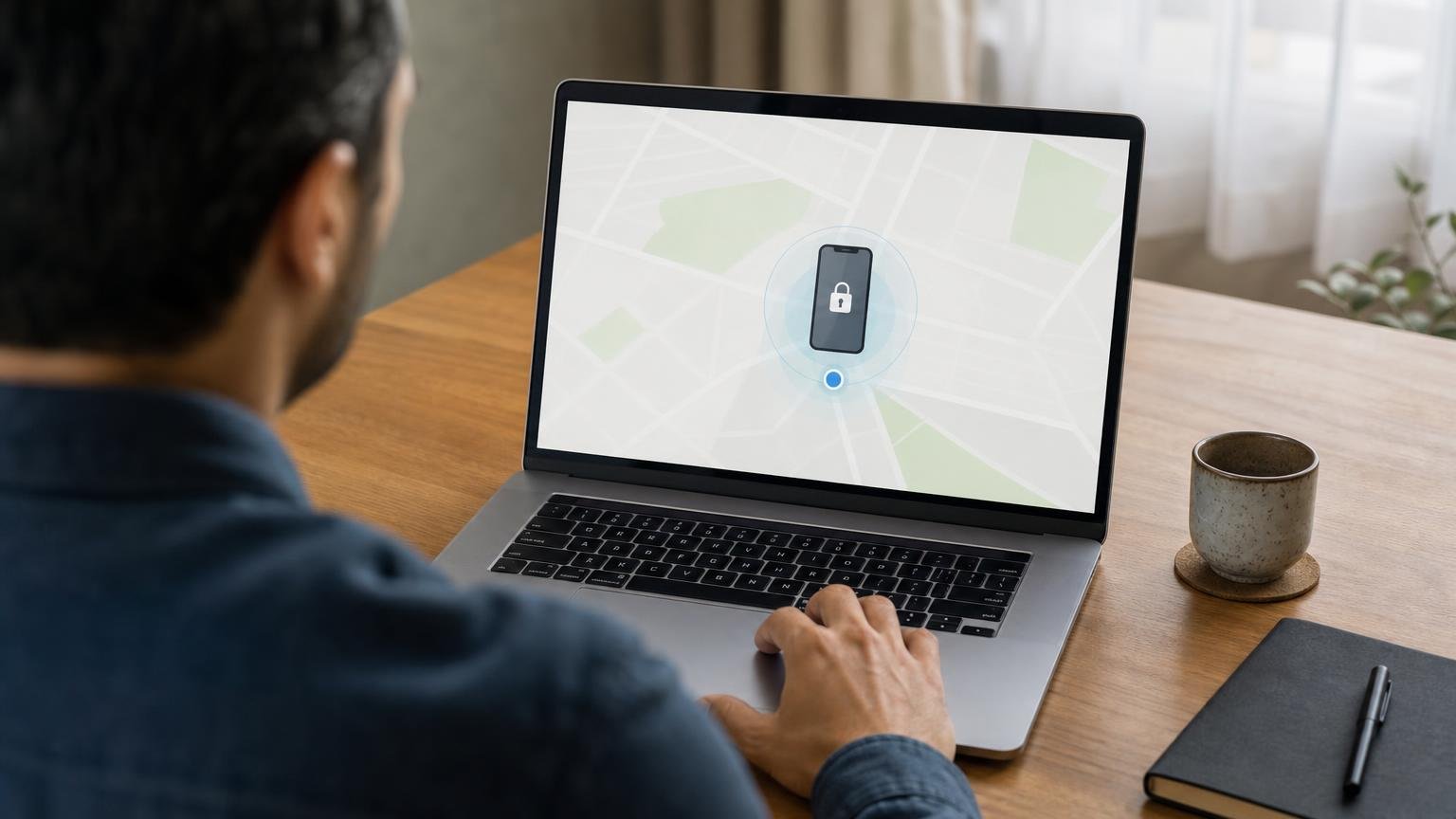
Check the map and, if the phone may simply be nearby, use the sound function. Google says Play Sound rings an Android device at full volume for five minutes. Samsung’s ring function runs at maximum volume for one minute on supported devices.
Next, use the available locking or locating features:
- iPhone: Activate Lost Mode in Find My. This locks the device and suspends Apple Pay cards and passes.
- Android: Use Find Hub to mark the phone as lost. This locks it and can display recovery contact information.
- Compatible Galaxy devices: SmartThings Find provides additional locating and ringing functions. Offline finding requires compatible hardware and prior configuration.
Use alternate contact information in any recovery message. Never give a caller or message sender your device passcode, account password or verification code, even if that person claims to have found the phone.
3. Treat the map as a clue, not proof
Device locations are approximate. Google says GPS accuracy can be around 20 metres in suitable conditions, but it may be substantially worse indoors or when the estimate relies on cellular towers.
If you believe the phone was stolen, do not travel to its mapped position or confront a suspected thief. Samsung specifically advises contacting authorities instead. If the phone appears to be in an unfamiliar or unsafe place, preserve your personal safety and provide the available information to local law enforcement.
4. Contact the mobile carrier and secure the number
After attempting the remote locate-and-lock steps, contact the carrier promptly. The carrier may be able to disable the SIM, provide a replacement SIM, redirect calls or disable the device. Google Find Hub can also show an Android phone’s IMEI for use when speaking with the carrier.
This step becomes urgent if the phone suddenly loses service before it physically goes missing, or if you see signs that somebody else controls your number. The US Federal Trade Commission warns that control of a number can expose SMS verification codes and help an attacker take over email, banking or social-media accounts.
Carrier procedures differ by country and provider, so check the carrier’s official support channel for current options.
5. Protect the main account, then exposed passwords
Once you have tried to locate and lock the device, secure the accounts connected to it. Google’s recommended sequence is to secure or sign out the missing device, change the Google Account password, and then change passwords saved in that account or otherwise exposed on the phone.
For an iPhone, review the Apple Account for unfamiliar changes or activity and change its password if unauthorized changes are present. Do not give anyone a verification code in response to a message about the missing device.
Next, review other sensitive accounts accessible from the phone, including email, financial and social-media services. Where available, the FTC recommends authentication apps or physical security keys instead of SMS for sensitive accounts. Be aware, however, that access to an authentication app on the missing phone may depend on how that app and its recovery methods were configured.
Monitor bank and card accounts for unauthorized activity. If you need to contact a financial institution or another business, use contact details you verify independently rather than links or numbers supplied in an unexpected message.
6. Report a theft through the appropriate channels
If recovery attempts fail or the circumstances indicate theft, report the device to local law enforcement and the wireless carrier. Reporting systems and consumer remedies vary by country, so use the official channels available where the loss occurred.
If the phone has theft-and-loss coverage, check the provider’s current claim instructions before changing its account status. Apple says customers making an AppleCare+ Theft and Loss claim must keep the device attached to their Apple Account until the claim is approved. Availability of that coverage varies by country.
7. Erase the phone only after considering the trade-off
Remote erasure is a last-resort protection for a device that cannot be recovered. It should not be the first action because it can end important finding capabilities.
- Android: A factory reset permanently deletes data and makes the device unavailable in Find Hub. Google cautions that it may not erase data stored on an SD card.
- iPhone: Apple recommends considering remote erasure after other recovery options have been tried. After erasing it, do not remove the iPhone from Find My or the Apple Account, because doing so removes Activation Lock.
Before erasing, also check any applicable insurance or theft-coverage instructions. Removing a device from an account too early can weaken theft protection or affect a claim.
How the order changes in urgent situations
- The phone is probably nearby: Use the sound function, check the approximate location and lock it if it is not immediately found.
- The phone appears to have been stolen: Lock it remotely, do not approach the mapped location, contact the carrier and report the theft to local authorities.
- Your number or accounts are already being taken over: Contact the carrier immediately to regain control of the number, then change affected account passwords and inspect financial accounts.
- The device is offline: Finding functions may be limited. Keep the device attached to its account while checking the official platform guidance and deciding whether erasure is necessary.
- Recovery now appears impossible: Review claim requirements, then erase the device while preserving protections such as Apple Activation Lock.
Prepare before another phone goes missing
Remote recovery depends heavily on settings established in advance. Confirm that the platform’s finding service is enabled, use a strong screen lock, keep software updated and maintain regular backups. Australian government cyber-security guidance also recommends automatic locking after a short period and warns that a missing phone can expose messages, contacts, email, social accounts, financial details and app data.
For important accounts, consider non-SMS authentication methods when supported and keep recovery methods somewhere other than the phone itself.
What This Means
A supported general sequence is: locate, lock, secure the phone number, protect accounts, report the theft and erase only as a last resort. Two serious mistakes are confronting someone at an approximate map location and erasing or removing the device from its account too early. Because platform features and carrier procedures can change, confirm the current steps on the linked official support pages.
Sources
- Apple Support — How to find your lost iPhone or iPad
- Google Android Help — Find, secure or erase a lost Android device
- Google Account Help — Lock or erase your lost phone or computer
- Federal Trade Commission — SIM Swap Scams: How to Protect Yourself
- Samsung Support — Use SmartThings Find with the SmartThings app
- Australian Cyber Security Centre — Secure your mobile phone
